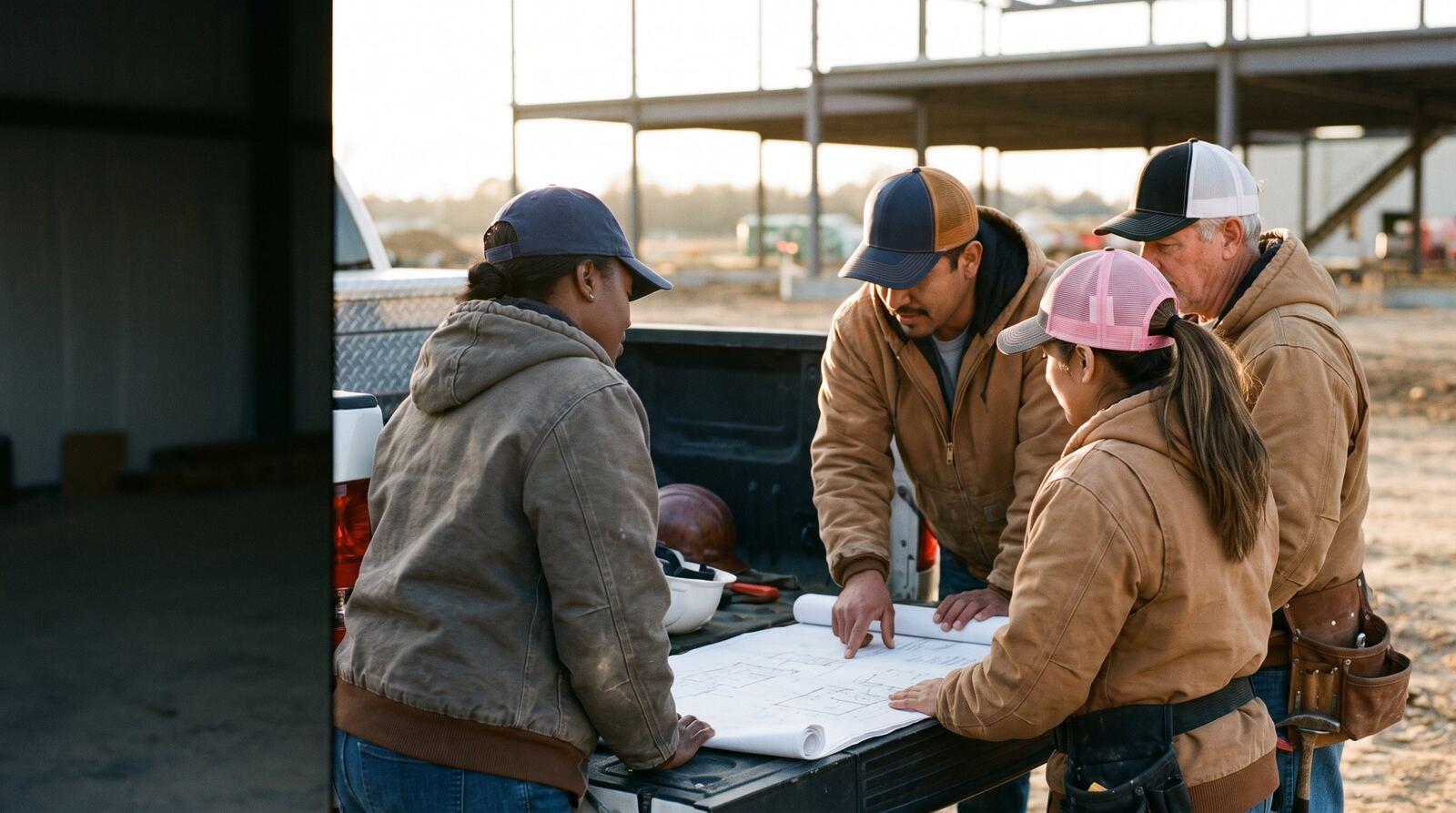
Toolbox talk app
The toolbox talk app where every signature lands
In Appello, the foreman runs the talk from a phone form waiting on the job. The crew signs on the same phone with their PIN, visitors sign with a finger, and the talk is filed under the job with every name, ready to email and ready for the auditor. It's live today for insulation, mechanical, HVAC, plumbing, sheet metal, electrical, concrete and other ICI trade contractors.
Built For The Trades brand imagery. App screens use a fictional sample company.
Safety meeting sign-in
Topic: ________________
M. Tremblay ✓ P. Wilson ✓ R.S. ? (coffee ring)
Left on the dash of the truck. Found in October.
The sign-in sheet, finished
- The talk is waiting on the job before anyone arrives.
- Each signature is a PIN, a name and a time, not initials.
- The office sees who hasn't signed, the same morning.
Monday, 7:00, Wing B, level 3
6:50
It's on the job
The talk is attached to Lakeshore General, so it's a required form there and waiting under the job's forms on every phone.
7:00
The foreman runs it
M. Tremblay opens the form and talks through it: lift gates, harness checks, tie-off points. Photos where they help.
7:12
The crew signs
He submits with his PIN and adds everyone scheduled. P. Wilson, J. Alvarez and R. Singh each type their last name and PIN on his phone.
7:16
The visitor signs
Oscar Reyes from Sealtight is firestopping on the same floor. He prints his name and signs with a finger. No login needed.
Collect every signature
Add the crew, collect each PIN, let the visitor sign, and watch when the email goes out. The superintendent is a default signatory on this talk, so he's on every submission until he signs.
Working at heights: lifts and harnesses
26-014-01 · Mon Sep 7 · 7:00 AM
Submitted by M. Tremblay, foreman, with his PIN at 7:12 AM.
Acknowledgement Required?
Does this form need to be reviewed and acknowledged by other members of your team?
- L. MoreauSuperintendent · Default Signatory, notified in the app
- Visitor sign-inSignature question · for people without an Appello login
Email to recipients
Waiting on 1 signature
L. Moreau. It goes out on its own once the last one signs.
On the record
Date, job, who ran it, every PIN signature with when and where, the visitor's drawn signature, and the talk itself. Export it to PDF any time.
Fictional sample company and data.
Digital signatures on safety forms
Two ways to sign, and a rule for who must
PIN sign-off
Anyone with an Appello login signs with their last name and five-digit PIN, on their own phone or the foreman's. Each signature records who and when, and where when GPS tracking is on.
Drawn signature
A Signature question on the form: print your name, sign with a finger or stylus. It's for visitors, inspectors and other trades without a login, and it can repeat for as many as turn up.
Who must sign
Default signatories are added to every submission of a form and notified in the app; a red X stays beside their name until they sign. Turn on Wait for all signatures before sending and the recipients' email holds until the last one is in.
Three ways to run a talk
One Form Per Job
The foreman fills it in once and the crew signs that one submission. Best for the Monday talk.
One Form Per Worker
Each worker fills in and signs their own copy. Best when you want each person's answers, like a quiz at the end.
Read and sign
Publish the talk as a policy document and assign it. Each person signs that they've read it with their PIN, and the office can resend to anyone who hasn't.
Build the talk itself in the safety form builder: your topic, a few questions, photos, and the sign-off. Copy it for next week's topic.
Find who missed it before the auditor does
The form report filters to submissions with Missing Acknowledgements. The Safety Compliance Report, in beta, checks the jobs where people logged time and shows each person as Required, Not Required or Not Signed for the forms on that job. Every submission exports to PDF with its signatures, and the list exports to CSV.
Pulling it all together for COR is on COR audit software.

The form inbox in the web app. App screens use a fictional sample company.
Running better talks
The app collects the signatures. These guides help with what to say and what to keep.
Guide
Toolbox talks: requirements and best practices
What's required, how often, and what makes a talk stick.
Guide
100 toolbox talk topics by trade and hazard
A year of Monday mornings, sorted so you can pick fast.
Guide
Toolbox talk documentation for COR audits
What auditors look for in your talk records.
Ask your AI
“Draft this week's talk”
Have your AI assistant draft the talk as an Appello form and check who signed, inside your Appello role. It works in Claude, ChatGPT, Microsoft Copilot and Grok through the Appello connector.
Works inside your Appello role. Every call is logged. Anything that leaves the business waits for a person. You can delegate the work, but not the responsibility for it.
AI for contractorsThe Appello connectorAppello in ChatGPTHave us set it up
Draft a toolbox talk on working at heights for the Lakeshore crew, with a crew sign-off.
A draft form with your topic, five questions and the sign-off, attached to 26-014-01 once you approve it.
create_form_wrapper · create_question · connect_form_to_jobsWho hasn't signed Monday's toolbox talk at Lakeshore?
R. Singh and L. Moreau. Everyone else signed by 7:16.
search_form_submissions · search_acknowledgementsPull every toolbox talk for Lakeshore General in Q3 for the COR audit.
A list of submissions with dates, who ran each and links to the PDFs.
search_form_submissions
What a field supervisor says
“It's a lot more organized, easier to access resources. When you're doing your FHA, everybody's aware, all on the same page of the hazards and all your safety gear that you need.”
Questions safety leads and foremen ask
Does Appello come with toolbox talk topics?
No. In Appello, you build your toolbox talk as a form, with your topic, your questions and your sign-off, and reuse it or copy it for the next topic. For ideas, our list of 100 toolbox talk topics by trade and hazard is a good place to start, and your AI assistant can draft a talk form through the Appello connector.
Can the whole crew sign on the foreman's phone?
Yes. In Appello, each person taps their own card, types their last name and five-digit PIN, and their signature is added to the same submission. The foreman can add everyone scheduled on the job in one tap.
What about visitors and other trades without an Appello login?
Yes, they can sign. In Appello, add a Signature question to the talk and visitors print their name and sign with a finger or stylus on the foreman's phone. Set it to repeat and one talk collects as many visitor signatures as you need.
Can it stop someone clocking in until they've signed?
No. In Appello, attaching the talk to a job makes it a required form on that job, and the Safety Compliance Report shows who didn't sign. It doesn't block clock-in or the timesheet.
Can we schedule a talk every Monday?
No. In Appello, there's no recurring schedule for a form. Attach the talk to the job, or to every open job, and it's waiting on the crew's phones under the job's forms every time they open it.
Does it work on a floor with no signal?
Yes, in the mobile app. The Appello mobile app works offline, so the foreman can run the talk and collect PIN signatures with no signal, and the submission uploads when the phone reconnects. Office screens need Wi-Fi or data to see it, and the talk is filed under the job as soon as it syncs.
Will it hold up in a COR audit?
That's what it's built for. In Appello, every submission keeps the date, the job, who ran it and every signature, with GPS when tracking is on, and exports to PDF. Our guide to toolbox talk documentation for COR audits covers what auditors look for.
Bring this week's talk
Send us the toolbox talk you're running on Monday. We'll build it as an Appello form and collect signatures on a phone in the demo.
Run a toolbox talk in a demoA working session on your own week: your crews, your payroll rules, your jobs. Pricing for your team size afterwards.
- I have one problem to fix firstSee every modulePick the problem in front of you (payroll, scheduling, job cost, billing) and see the screens that handle it.
- I want to know where we standTake the 6-minute readiness scorecardScores payroll, job cost, scheduling, safety and how connected your systems are, which is the groundwork AI needs. You see your score in each area and a demo agenda built from your answers.
- I want the big pictureSee how Appello connects AIHow your operations data, your integrations and assistants like Claude and ChatGPT fit together.