
General contractor software

General contractor software for the work you self-perform

Your crews. Your safety. Your numbers.

Appello is the field-to-office system for ICI general contractors, design-builders and building-services firms that run their own crews. It handles your crews' schedules and timesheets, daily safety forms, RFIs, job costing and schedule-of-values billing. It isn't a platform for bidding and managing subcontractors, and we'll say so on the first call.

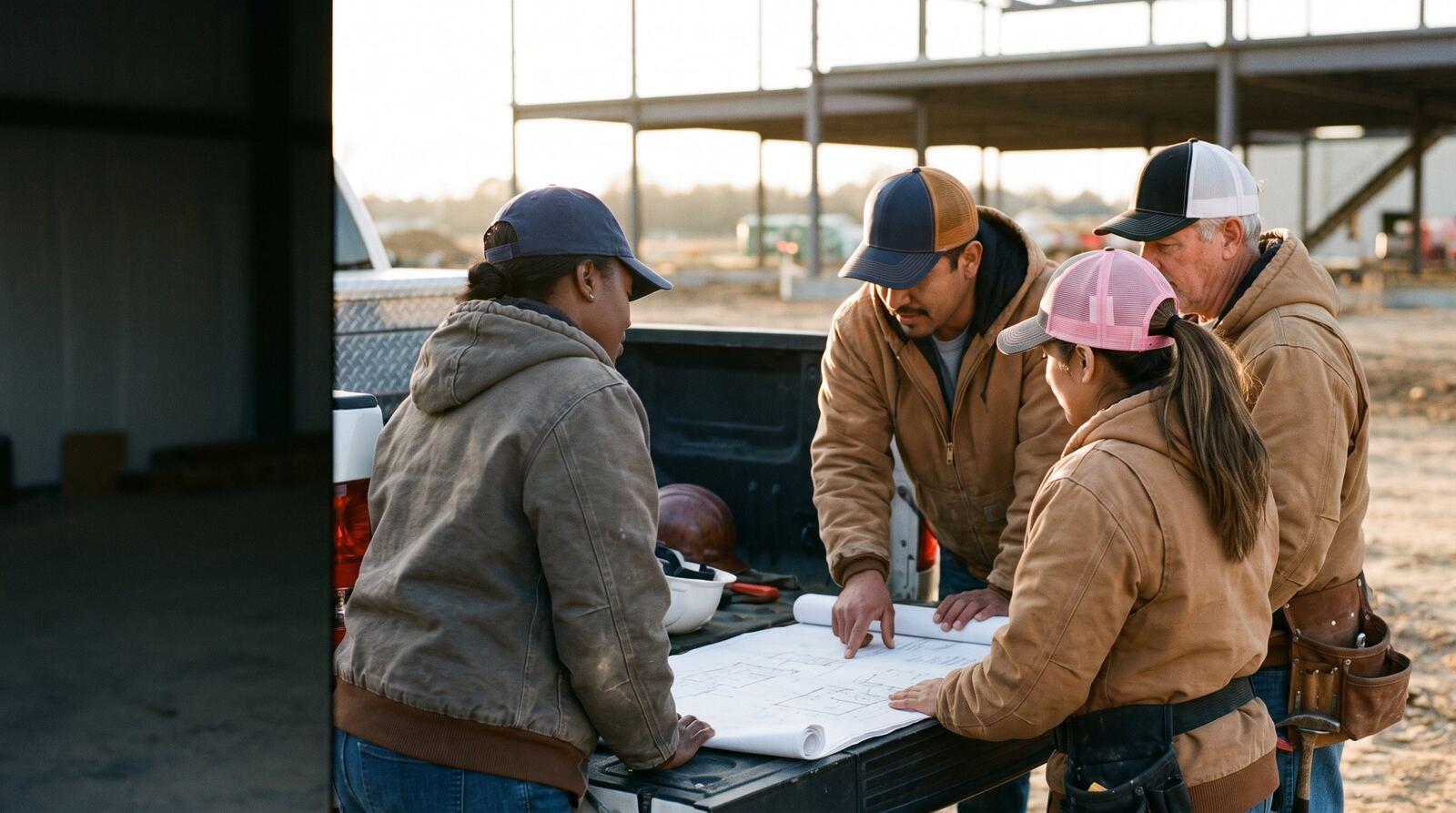
Crew in Built For The Trades caps reading drawings on a truck tailgate
Built For The Trades brand imagery. The screen is a job's RFI log in Appello. App screens use a fictional sample company.

The fit check

What Appello does for a GC, honestly

General contractors ask us two different questions: will it run my crews, and will it run my subs. The first answer is yes. The second is mostly no. Here's exactly where the line sits.

Built for it

  • Scheduling, timesheets and payroll for your own crews
  • Daily hazard assessments and inspections, required per job
  • RFIs with drawing references and a no-login response page for the consultant
  • Drawings with markup, files and job notes with photos
  • Estimates, change orders and schedule-of-values progress billing with holdback
  • Equipment hours, rates and invoicing
  • Job costing with labour, sub bills and materials by cost code

Partly, for subs

  • A sub's worker can sign your hazard assessment in person, without a login
  • Subs live in the company directory with their contacts
  • Sub invoices are payables coded to the job, synced with QuickBooks Online
  • Link to the GC's or owner's document store from the job

Not built for it

  • Sending bid invitations to subs and levelling their prices
  • Critical-path or Gantt scheduling of sub-trades
  • Subcontractor prequalification and insurance tracking portals
  • Subs managing their own crews inside your system

Rule of thumb: the more of the work you do with your own people, the more of your week Appello runs. A GC that self-performs carpentry, drywall, demolition or site work, or bills its own equipment, looks a lot like the trade contractors Appello was built for. A GC that subs out everything mostly needs a project platform, and should buy one.

How an ICI general contractor runs

Tenders, subs, and the crews you keep

Small and mid-size ICI general contractors win most work by tender, carry a design team on design-build jobs, sub out the specialty trades and keep a core crew of their own. Here's the business Appello fits into.

How you win work

  • Public tenders for schools, hospitals, police buildings, courthouses and municipal yards, with sub-trade invitations sent through a bid platform and prices carried into your number.
  • Design-build, where you carry the design team and the construction, and negotiated work for owners who come back.
  • Restoration rebuilds for restoration and insurance clients, priced from the adjuster's estimate to a fixed number per job.
  • General requirements in Division 01, especially payment procedures (01 29 00) and contract modifications (01 26 00), set how you bill and change the job.

What you self-perform

  • Demolition, framing, drywall, doors and hardware, millwork installs, concrete repairs and general labour are common self-perform scopes.
  • Some GCs own excavators and earthmoving gear and bill it by the hour.
  • Mechanical, electrical, roofing and other specialty scopes usually go to subs.
  • The more you self-perform, the more you look like a trade contractor, with crews, timesheets and payroll to run.

Who's on the team

  • An owner who estimates and runs projects, often the same person.
  • Project managers who handle RFIs, change orders and pre-site meetings.
  • Site superintendents who split their day across two or three jobs.
  • A health and safety lead, often also helping with tenders, and an administrator on payroll and time off.
  • Carpenters, labourers and operators, union or open shop.

When the work happens

  • School work piles into the summer break.
  • Municipal and institutional tenders follow budget cycles, so closings bunch up.
  • Winter means heat, hoarding and slower exterior work. Restoration work comes whenever the fire or flood does.

How you get paid

  • Monthly progress billing against a schedule of values by division, with holdback (10% under Ontario's Construction Act) or retainage held back.
  • Change orders itemised by division, counted only once approved.
  • T&M invoices on small jobs every couple of weeks, and equipment billed weekly by the hour.
  • Milestone billing on restoration work: a line is billable once that trade's work starts.

Where the paper lives

  • Drawings on a local server or a document platform, pushed to the field by hand.
  • Safety forms in one app, timesheets as documents emailed to the owner, training records on one person's computer.
  • The schedule of values in a spreadsheet, rebuilt every month.

What gets in the way

Ten things general contractors told us

Paraphrased from conversations with ICI general contractors, design-builders and a restoration rebuild contractor.

  1. 01

    No single view of today's safety forms

    Hazard assessments live in more than one app, and nobody can say which sites have today's done.

  2. 02

    Subs signing on a passed-around phone

    The super's phone goes round the site so each sub's worker can sign the day's hazard assessment.

  3. 03

    Files pushed by hand

    Drawings move from the server to the field app one click at a time, and the field still opens the old revision.

  4. 04

    Timesheets as emailed documents

    Supers split hours across two or three jobs in a document, and the owner re-keys it.

  5. 05

    A schedule of values rebuilt every month

    Chasing crews for quantities and rebuilding the spreadsheet for every draw.

  6. 06

    RFIs in an email loop

    Download, email the architect, get marked-up PDFs back, re-upload, track dates by hand, number per job.

  7. 07

    No daily margin view

    The simple question, are we making money on this job, has no answer until month end.

  8. 08

    Crews scheduled by nightly mass text

    And nobody knows which truck or which tools are at which site.

  9. 09

    Training records on one computer

    When the owner asks for the crew's tickets, one person has to be at their desk.

  10. 10

    Equipment billed from memory

    The excavator's hours get invoiced weekly by hand, if they get invoiced.

Tender to holdback release

One ICI job, start to finish

Each stage of a self-performing GC's job, how it really goes, and the Appello feature that handles it. Everything named here is in the product today.

A schedule of values with a change order line, billed to date and holdback. App screens use a fictional sample company.
A numbered change order with the labour and material behind the price. App screens use a fictional sample company.
  1. 1

    Tender

    Log it, visit it, price it

    The tender lands with drawings, specs and addenda. Someone visits the site, invites the subs through a bid platform and builds the number before the closing.

    In Appello

    Log the tender as an estimate with a status and closing date, with site-visit photos and notes from the phone. Build it bid-first or line by line with markup, overhead and tax. Keep inviting subs in your bid platform; Appello doesn't do that part.
  2. 2

    Award

    The job, the SOV and the holdback

    Award: contract value, holdback percentage, the PO, the schedule of values by division.

    In Appello

    A guided setup turns the won estimate into a job with the customer, site and PO. Generate the schedule of values from the estimate, apply a cost code template by division, and set the holdback percentage on the job.
  3. 3

    Pre-site

    Drawings, forms and tickets ready

    Pre-site meeting, drawings issued for construction, the owner's site rules and the safety plan.

    In Appello

    Upload drawings and documents to the job's folders, or link the owner's document store. Attach the forms each site requires and mark them mandatory. Set the certifications the job requires so the schedule warns you about anyone who's missing one.
  4. 4

    Schedule

    Your own crews, by job and by day

    Carpenters and labourers across three sites; a super covering two of them.

    In Appello

    Schedule your own people by job, worker or day, and assign equipment to the job they're on. Each worker sees their week with directions in the mobile app. For the sub-trade sequence, keep using your scheduling tool.
  5. 5

    Field

    Hazard assessment, everyone signs

    Every morning: the daily hazard assessment, signed by your crew and every sub on site.

    In Appello

    Your crew signs by PIN. A signature question captures each sub's worker in person, without an Appello login. Every submission records the time, job and GPS location, and the form inbox shows which sites are done.
  6. 6

    RFIs

    Question, answer, logged

    The super spots a conflict in the field. The PM writes the RFI, the architect answers, maybe after asking the engineer.

    In Appello

    The super posts a job note with photos from the phone; the PM turns it into a numbered RFI with drawing references and markup. The consultant answers on a secure page without logging in, you're notified, and the log tracks every date.
  7. 7

    Time

    Supers on three jobs, one timesheet

    Supers and crews split hours across jobs; payroll needs it by Monday.

    In Appello

    Each row carries its own job and cost code. Foremen enter crews in bulk. Approve at two levels, lock the week, and export the payroll file or push hours to QuickBooks Online.
  8. 8

    Cost

    Sub bills, materials and your own labour

    Sub invoices, supplier bills and your own crews' hours, all against a budget by division.

    In Appello

    Approve and lock sub and supplier bills by job and cost code. Approved labour lands the same day. Budget against actual, earned against burned and cost to complete answer the margin question any day of the month.
  9. 9

    Change

    Change orders by division

    An RFI answer changes the scope. The change order is priced by division and only counts once it's approved.

    In Appello

    Numbered change orders per job move from draft to sent to approved or rejected, on your own branded template, and approved ones roll into the next progress invoice.
  10. 10

    Bill & close

    The draw, the equipment, the holdback release

    The monthly draw, a weekly equipment invoice, T&M on the small jobs, and holdback at the end.

    In Appello

    Progress invoices from the schedule of values with holdback and tax, an AIA G702/G703 workbook if asked, T&M invoices from signed work orders, and equipment time invoiced. Holdback is released on its own invoice. The WIP report shows over and under billing as of any date.

AI and agents

Ask across every job at once

Appello works natively with Claude, ChatGPT, Microsoft Copilot and Grok through the Appello connector. You sign in on Appello's own login page, and the assistant can only see and change what your Appello role allows. These are things you can ask it today, with the connector tools each one uses. How the connector works

You ask

“Which RFIs have been open more than a week, on which jobs?”

Lists open RFIs by job with sent and due dates, so the PM knows who to chase before the site meeting.

search_rfisget_rfi

You ask

“Which sites have no hazard assessment submitted today?”

Compares today's scheduled jobs with today's form submissions and lists the sites missing one.

get_schedule_for_datesearch_form_submissions

You ask

“Set up this month's draw on the school job from the latest progress report.”

Reads the schedule of values and the percent complete per line and drafts the progress report for the PM to check before invoicing.

get_schedule_of_valuescreate_progress_report

You ask

“Draft change order 7 on the courthouse job from the architect's answer to RFI 12.”

Reads the RFI response and drafts a numbered change order for the PM to price by division and send.

get_rficreate_change_order

You ask

“How is every active job doing against budget?”

Pulls the portfolio roll-up: contract, cost, earned and margin per job, worst first.

get_portfolio_financial_summaryget_earned_vs_burned

You ask

“Invoice last week's excavator hours on the plant job.”

Finds the approved equipment time and drafts the invoice at the job's rate.

search_equipment_time_entriescreate_invoice

Or hand tender admin to an agent

Our implementation team builds agents for one defined problem at a time and keeps them working. Two examples for a general contractor:

Agent playbook · Systems

Tender intake

The problem
Tender notices, addenda and drawings arrive from bid platforms and email. Filing them and keeping track of closings eats the estimator's week.
Connections
Your inboxes and bid platform notifications, your file storage, your calendar, and Appello (estimates, companies).
Context
Which owners and project types you pursue, your folder structure, and which sub-trade scopes each kind of job needs.
Skills
Log each tender with its closing date, file drawings, specs and addenda into the job folder, start the Appello estimate, and list the sub-trade scopes to invite.
Cadence
Every 15 minutes in working hours.
Where a person decides
A person decides what to bid, invites the subs and submits every tender.
Measured by
Hours a week spent on tender admin, and addenda found missed.

Agent playbook · Standard

Monday job review

The problem
Each PM wants one page per job every week, and it's built by hand from several screens.
Connections
Appello (job financials, RFIs, change orders, schedule, form submissions).
Context
Which PM owns which job, and the margin each was tendered at.
Skills
Each Monday, send every PM their jobs' budget against actual, open RFIs, unapproved change orders, unbilled work and missing safety forms.
Cadence
Weekly.
Where a person decides
The PM decides what to do about a job that's slipping.
Measured by
Hours a week spent building job reports, before and after.

You can delegate the work, but not the responsibility for it.

How agent builds work · Read the white paper

Integrations

Next to the tools you keep

GCs usually keep a bid platform, a scheduling tool and sometimes a project platform. Appello doesn't replace those. It connects to your books and payroll, and can link out to the document store the owner uses.

Two-way sync

QuickBooks Online

Invoices, payments, bills, vendors, customers, expenses and timesheet hours, mapped to your jobs, tax codes and GL accounts.

File export

Payroll files

Approved hours for Sage 50, QuickBooks Desktop, Trimble Spectrum, ComputerEase, Avantage, Payroll4Construction and Dayforce Powerpay, or CSV.

Integration

Jonas Construction Accounting*

Integration approved and ready to deploy.

File export

CSV, PDF and AIA

Any list to CSV, any record to a PDF from your own template, and progress billing as an AIA G702/G703 workbook.

Native

Zapier, Dropbox Sign, Twilio

Send records to other tools without code, collect e-signatures on HR documents, and text crews from your own Twilio number.

OAuth 2

REST API

Credentials you create in Settings, for companies, contacts, jobs, estimates, change orders, invoices, payables and certifications.

* Jonas Construction Accounting: deployed when a customer needs it, as part of onboarding. Ask us about timing for your company. Procore, Sage Intacct, NetSuite and others have no direct connector; both sides have APIs, so they can be connected as a project. All integrations

Proof

Numbers, not testimonials

What a year on Appello looks like at 200 people

timesheets
22,000
worker-days scheduled
21,000
supplier bills costed to jobs
5,700
safety forms filed
2,500
jobs run
1,100
timesheet approvals a week
420

Based on usage across a sample of Appello customers, scaled to 200 people over 12 months. Rounded.

Talk to a contractor in your trade

We don't put words in customers' mouths. If you want to hear how Appello runs at a general contractor, ask on your demo and we'll try to set up a call with one who has agreed to take it.

Book a demo

General contractor questions

Is Appello a construction management platform for managing subcontractors?

No, and we'd rather say so up front. Appello is built for contractors who run their own crews. It doesn't send bid invitations to subs, level their prices, run sub-trade critical-path schedules or prequalify subcontractors. GCs use it for the work they self-perform, their safety program, RFIs, job costing and billing, beside the tools they already use for subs.

Can subcontractors sign our daily hazard assessment?

Yes, in person. A signature question on a form captures a signature from someone without an Appello login, so a sub's worker can sign the day's hazard assessment on the super's phone or tablet. The submission keeps the time, the job and the GPS location, and you can see which sites have today's form done.

How do RFIs work?

Create a numbered RFI on the job with drawing references and markup. The architect or engineer answers through a secure response page without an Appello login, and you're notified when they respond. RFIs are numbered per job, export to PDF from your template, and the log shows what's open, answered and closed.

Can we progress bill by division with holdback?

Yes. Build the schedule of values from the estimate or by hand, with lines by division or area. Set this period's percent complete and Appello drafts the progress invoice, calculates holdback or retainage, rolls in approved change orders and applies tax. You can export an AIA G702/G703 workbook and push the invoice to QuickBooks Online.

Do subcontractor invoices go against the job?

Yes. Subcontractor and supplier bills are entered or synced as payables, approved and locked by job and cost code, so committed sub costs show on the job's budget against actual. With QuickBooks Online, bills and vendors sync both ways, so nobody types a sub's invoice twice.

Our supers split their day across two or three jobs. Can time follow that?

Yes. Each timesheet row carries its own job and cost code, so a super can put three hours on one school and five on another. A foreman can enter the whole crew's hours in bulk, and approved hours land on each job's labour cost the same day.

Can we bill our own equipment to jobs?

Yes. Log equipment hours against rate cards, with per-job overrides, and approve them like timesheets. Equipment time can be invoiced, and the equipment cost summary shows ownership, repairs and what was charged out, so an excavator's hours aren't billed from memory at the end of the week.

How does a tender become a job?

Log the tender as an estimate with a status, an estimator and a closing date, and keep site-visit photos and notes on it from the phone. Jobs move through statuses from quoting to won, in progress, complete and closed. When you win, a guided setup carries the customer, contact, site and PO onto the job, and estimate lines can become schedule-of-values lines.

Does Appello connect to Procore or our scheduling software?

There's no direct connector to Procore, Sage Intacct, NetSuite or scheduling tools. Appello and those platforms both have APIs, so they can be connected as a project. Many GCs keep drawings in a document platform and link to it from the job with external document links.

Where do training records and certifications go?

On each worker's record, with issue and expiry dates and card scans. The certification matrix shows the whole crew against every ticket, expiring tickets show on the dashboard, and a branded training-record PDF package can be handed to an owner or a prime contractor in one click.