The crew, on their phones
Each worker clocks in on the job with the time clock app. It works offline in the mobile app, so no signal on site isn't a reason to skip the punch.
Time clock app →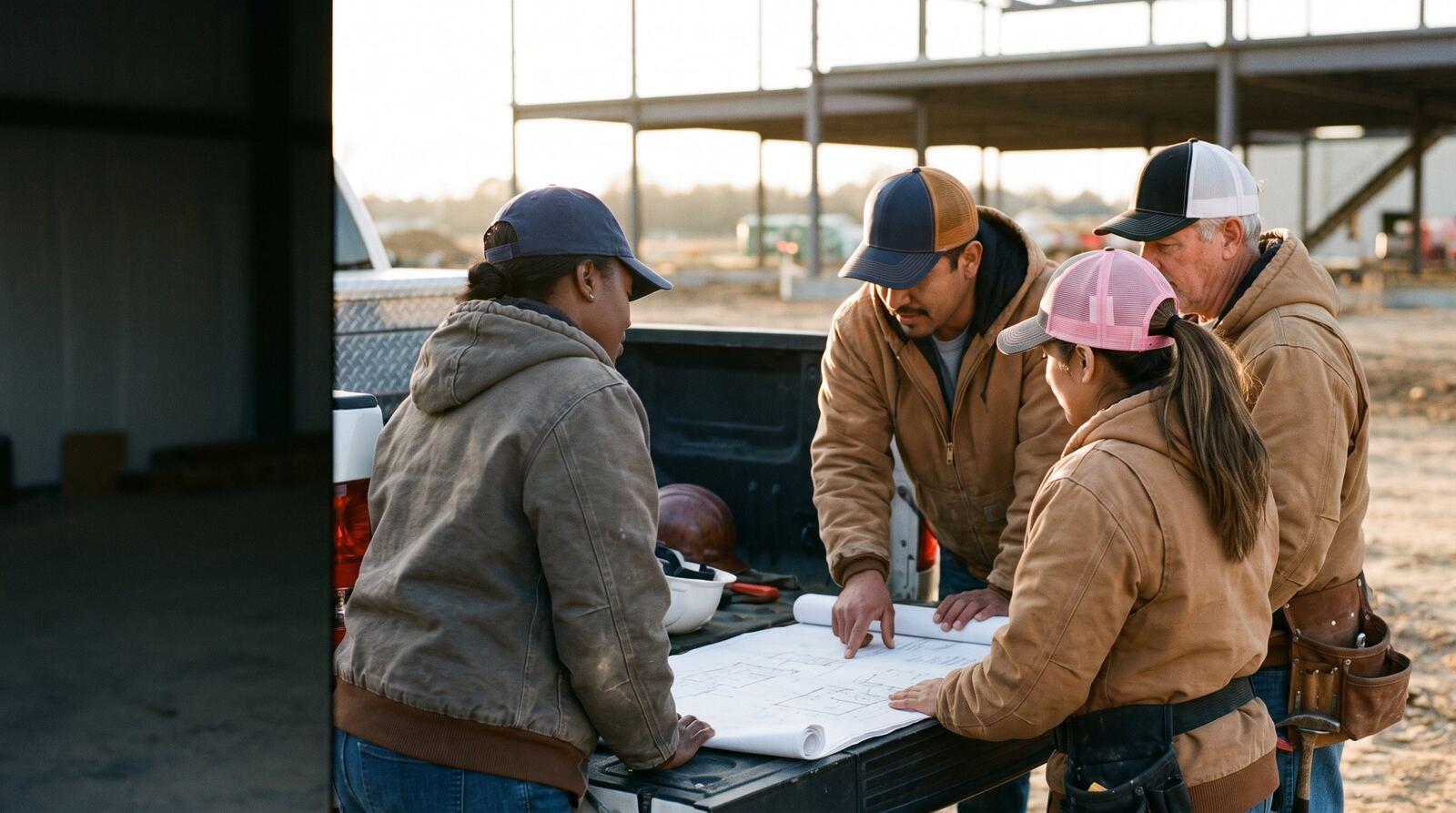
Crew of 5 · Mon to Fri
202 hrs 4 at 1.5x
Built For The Trades brand imagery.
Foreman timesheet app
Appello's Bulk Timesheet Entry lets a foreman or the office enter every worker's hours for the week on one grid, with overtime split by the agreement as you type. It's live today in the Appello web app, on a laptop or tablet, for crews of any size on any ICI job.
Tremblay's crew at Lakeshore General, Monday and Tuesday in. Type Thursday's ten hours, copy last week, apply a template, then save.
Bulk Timesheet Entry · 26-014-01 Lakeshore General · Wing B
Week of Sep 6–12, 2026
| Worker | Mon 7 | Tue 8 | Wed 9 | Thu 10 | Fri 11 | Total | |||||
|---|---|---|---|---|---|---|---|---|---|---|---|
| 1x | 1.5x | 1x | 1.5x | 1x | 1.5x | 1x | 1.5x | 1x | 1.5x | ||
| Mechanical Insulators ICI | |||||||||||
| M. Tremblay Foreman | – | – | – | – | – | 16.0 | |||||
| P. Wilson Journeyperson | – | – | – | – | – | 16.0 | |||||
| J. Alvarez Journeyperson | – | – | – | – | – | 16.0 | |||||
| R. Singh Journeyperson | – | – | – | – | – | 16.0 | |||||
| S. Okafor Apprentice 3rd Year | – | – | – | – | – | 16.0 | |||||
Crew total 80.0 hrs
A working model with a fictional crew and an illustrative rule (over 8 hours a day at 1.5x). In Appello, Auto-Calculate OT uses your agreement's overtime rule set for the job's wage region, daily and weekly, and counts hours the worker has on other jobs that day.
Bulk Timesheet Entry sits under Timesheets in the web app. Anyone who can edit timesheets can use it, so it works for a foreman, a superintendent or the payroll office.
Rates come from union payroll: each worker's trade level, the job's wage region and the agreement's rate labels. The grid is for hours; travel, board and notes live on the timesheet row.
Timesheet templates
Most crews work the same pattern most weeks. In the By Person view, Save Template keeps each worker's hours by weekday and rate label, with their cost-code splits, under a name and a description. Tie it to one job, or leave it open for any job.
Apply Template fills next week from it in one click; you change the day it rained and save. Tick “Make available to all users (global template)” and every foreman can use it, so a superintendent can set up the standard week for each crew once.
Your AI assistant can find and read templates through the Appello connector, so “what's in the Lakeshore standard week?” gets a straight answer.
Save as Template
Template Name
Lakeshore crew · standard week
Description
Mon–Fri 8 hrs, 210 pipe insulation; Thu 10 hrs
Job (optional)
26-014-01 Lakeshore General · Wing B
Make available to all users (global template)
Coded recreation of the template dialog. Fictional job and crew.
Some shops have every worker punch in on their phone. Some have the foreman keep the crew's hours. Most do a bit of both. Appello is built for either.
Each worker clocks in on the job with the time clock app. It works offline in the mobile app, so no signal on site isn't a reason to skip the punch.
Time clock app →Bulk Timesheet Entry runs in the web app, in the trailer, the truck or the office, and needs a connection. The foreman checks or enters the whole crew's week and saves.
Try the grid →Supervisors and admins approve the week from the timesheet matrix, then lock it and export it to payroll.
Payroll exports →Ask your AI
Add the Appello connector to Claude, ChatGPT, Microsoft Copilot and Grok and sign in on Appello's own login page. Your assistant gets 800+ tools, and every answer is limited to what your Appello role allows.
“Enter 8 hours Monday to Friday on 26-014 for Tremblay's crew, cost code 210 pipe insulation. Show me before saving.”
Drafts each worker's timesheet for the week, priced at their trade level's rate, with the hours on the cost code, and waits for your yes before it writes anything.
create_timesheetcreate_timesheet_detail_recordadd_timesheet_hoursallocate_time_to_cost_codes
“Who on Tremblay's crew has no hours in for Wednesday?”
Compares Wednesday's schedule for the job with the timesheets that came in and names the gaps.
get_schedule_for_dateget_weekly_timesheet_statussearch_timesheets
“Which saved timesheet templates do we have for Lakeshore, and what's in the standard week?”
Lists the templates, global and job-specific, and shows the hours by worker, weekday and rate label in the one you ask about.
search_timesheet_templatesget_timesheet_template
“Submit the crew's sheets for review once I've checked them.”
Sends the timesheets you've confirmed to the office for approval. It doesn't approve them; a person does.
search_timesheetssubmit_timesheet
Tool names are the connector's own; your assistant picks them. Works inside your Appello role. Every call is logged. Anything that leaves the business waits for a person. You can delegate the work, but not the responsibility for it.
Small agent playbook
The problem. The office spends Friday morning phoning foremen whose crews' hours never made it in.
The gate. Foremen enter and fix their own crews' hours. The agent never enters, edits or approves time.
Measured by: Timesheets missing at the payroll cut-off, and office hours spent chasing them. Built by our AI implementation team or your own people.
259,712
timesheets approved on Appello
Across every customer account, counted 2 September 2026.
22,000
timesheets a year
At a typical 200-person contractor.
420
timesheet approvals a week
At a typical 200-person contractor.
Based on usage across a sample of Appello customers, scaled to 200 people over 12 months. Rounded.
The computer. Bulk Timesheet Entry is a screen in Appello's web app, made for a laptop or tablet browser in the trailer, the truck or the office, and it needs a connection. Crew members who clock in on their own phones use the mobile app, which works offline. Many crews use both: phones for the punch, the grid for the foreman's check.
The workers scheduled on that job for the week, so the crew is already there when you open it. Add Worker brings in anyone else assigned to the job, and someone with permission to add time to unscheduled jobs can add a worker who wasn't scheduled. Each worker's row sits under their employee agreement, with their trade level beside their name.
Turn on Auto-Calculate OT. Appello uses the overtime rule set on the worker's agreement for the job's wage region, with its daily and weekly thresholds, and counts the hours that worker already has on other jobs that day. So a tenth hour lands at the overtime rate label as you type, without anyone doing the arithmetic.
No. In Appello every save, including the autosave, writes the timesheets and sends them for review, so the office sees hours as soon as they're in. If something changes, edit the cell and save again before the timesheet is approved. Once approved, changes go through the office like any other timesheet.
No. The bulk grid is for hours by rate label and, in the By Day view, cost codes. Travel, board and parking are priced on the timesheet row from the agreement's rate card, and notes go on the individual timesheet or the clock-in. Keeping the grid to hours is what makes twelve people fit on one screen.
A saved week. In Bulk Timesheet Entry, Save Template stores each worker's hours by weekday and rate label, with cost-code splits, under a name and description, optionally tied to one job. Apply Template fills a new week from it. Mark it available to all users and every foreman can use it, not only the person who made it.
Bring a crew list and last week's sheets. We'll load your crew into the grid, split the overtime by your agreement and save it for review.
Book a bulk entry demoA working session on your own week: your crews, your payroll rules, your jobs. Pricing for your team size afterwards.